
Mouse++
The missing step on macOS: create new files right from Finder's context menu.
Download on theApp Store
Free · In-app purchase
The missing step on macOS: create new files right from Finder's context menu.
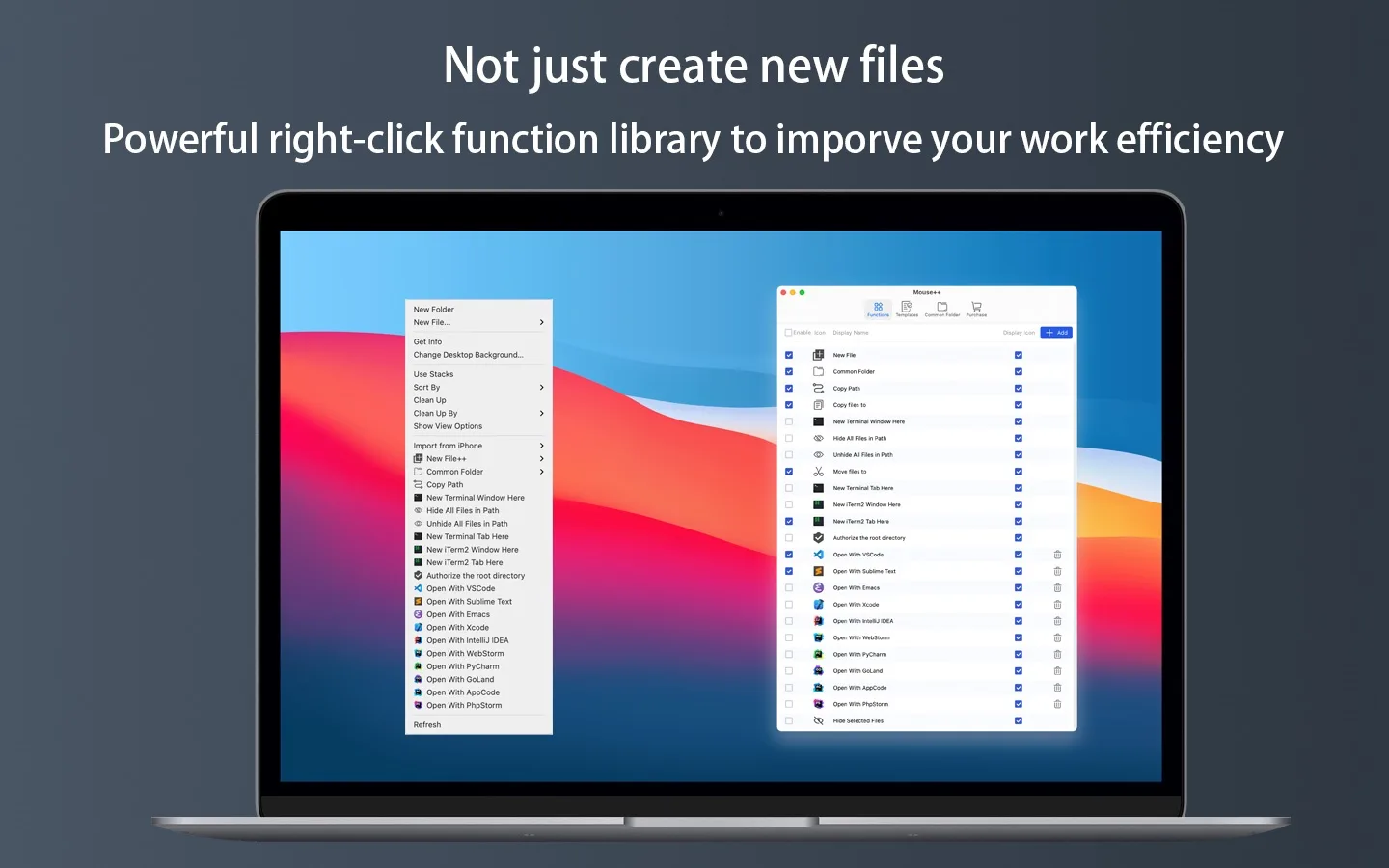
Fewer windows, fewer drags, fewer steps. Mouse++ integrates the actions developers and power users reach for most into Finder's native context menu.
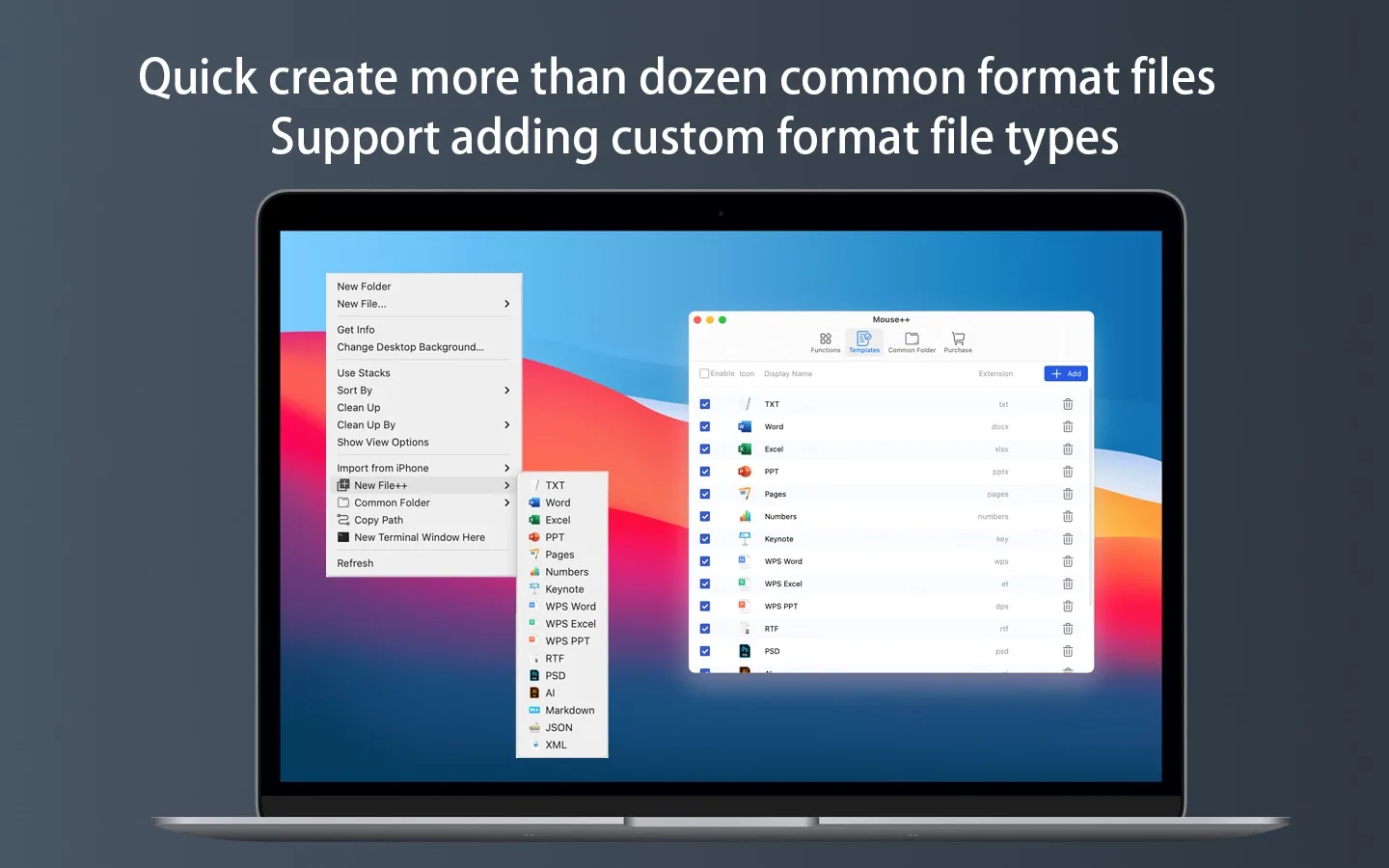
Create TXT, Markdown, Word, Excel, PPT, Pages, JSON and 20+ more formats in one step, anywhere in Finder.
Save any file as a template and spin up .gitignore files, configs and project scaffolds instantly.
Copy the full path of any file or folder in one click.
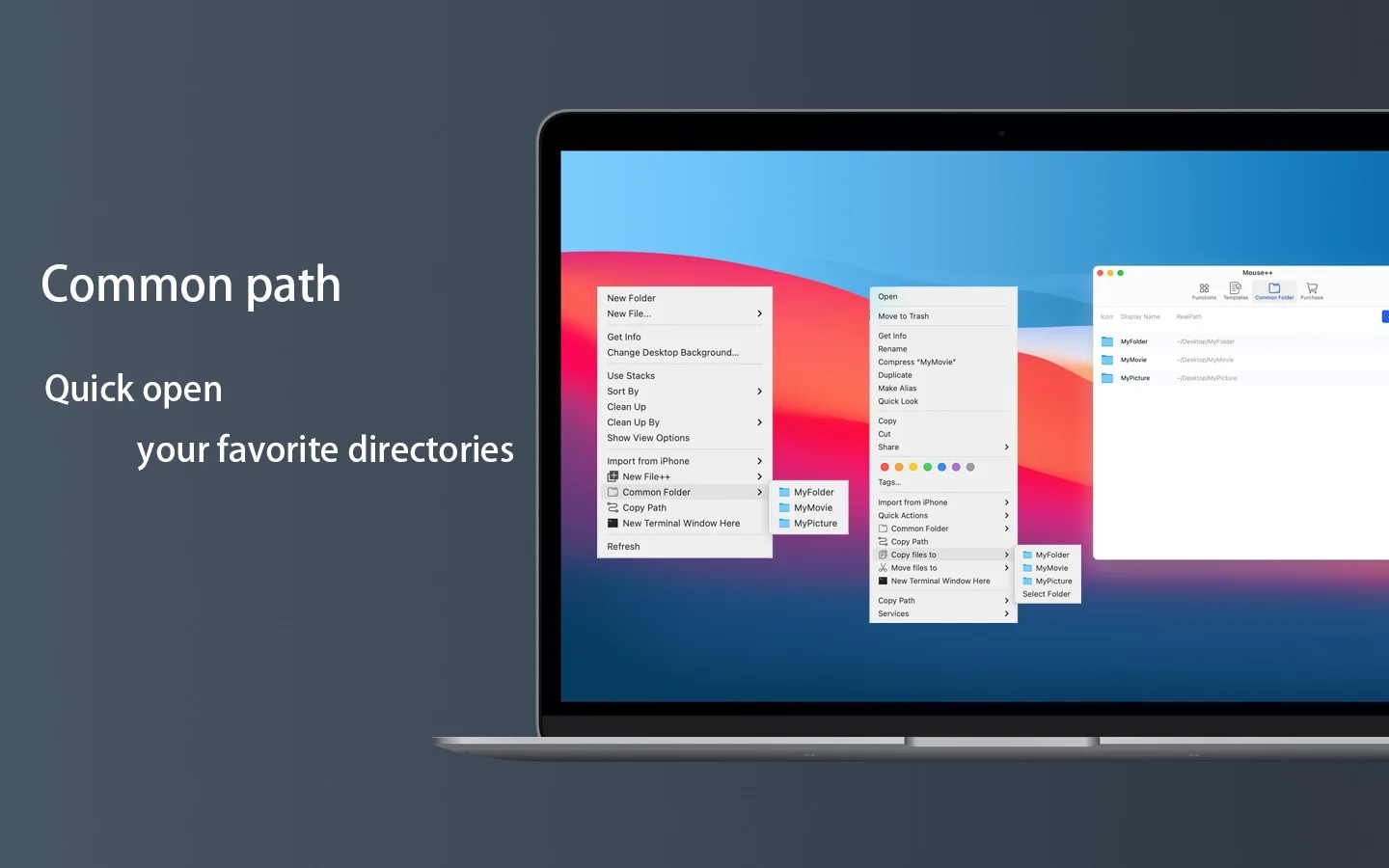
File things into favorite folders without dragging across windows.
Open Terminal, iTerm2, VSCode, Sublime or IntelliJ right at the current folder.
Pin frequently used folders to the menu; toggle hidden files any time.

Eleven PDF & image tools in one clean window.

Copy any path in Finder, with terminal-escape mode.

Compression and conversion without the jargon.